15 Best Photoshop Video Tutorials - It's Time to Learn Hidden Gems
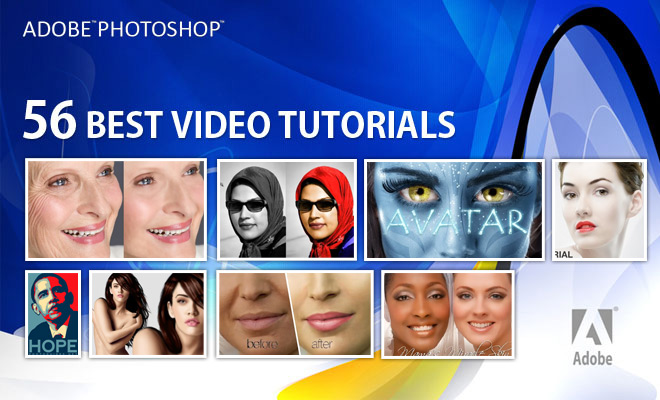
In this post, we have included 15 of the best Adobe Photoshop video tutorials. Many graphic designers spend hours getting skin tones right. It’s important to remember that skin should look realistic rather than plastic. Using adjustment brushes with negative clarity often works like magic. Blemishes and spots can also be removed using the Healing Brush and Clone Stamp tools. The Healing Brush works wonders for spot cleaning, while irregularly shaped or unsightly marks can be cleared using the Patch Tool. Browse our collection of video tutorials for extra inspiration.
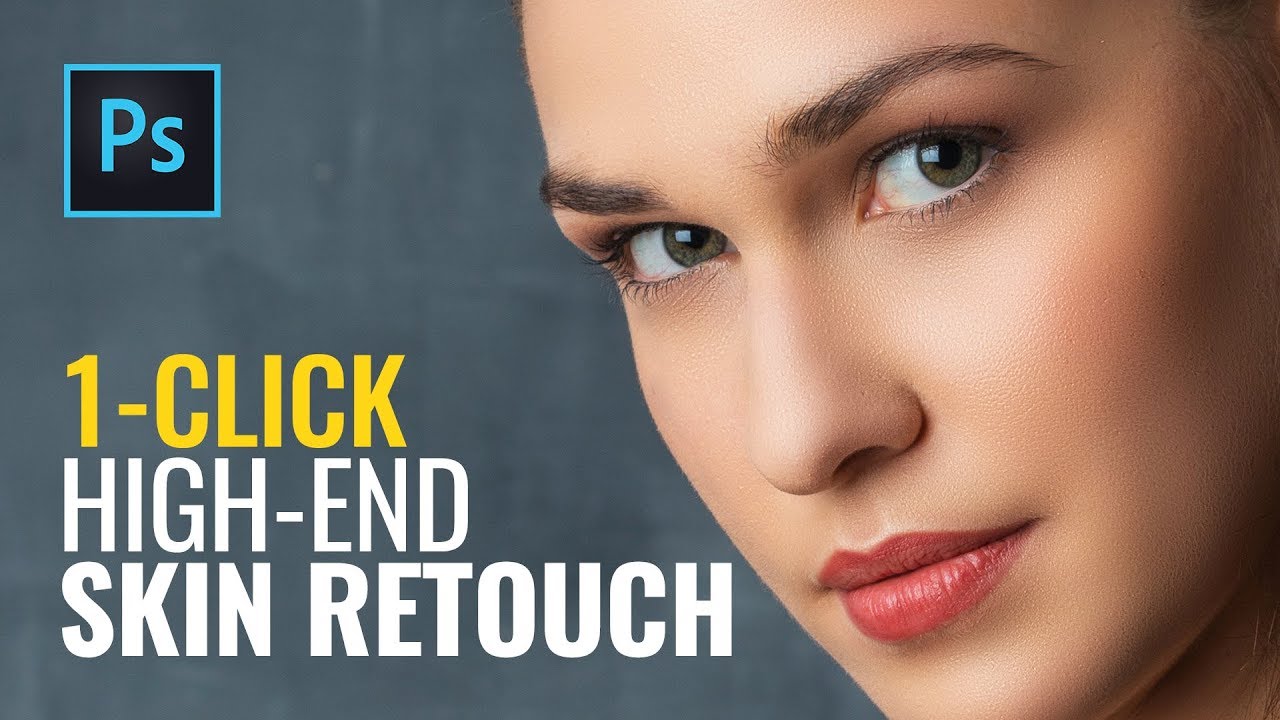
High End Skin Retouching Tutorial
Watch Video
Principles of dodge & burn
Watch Video
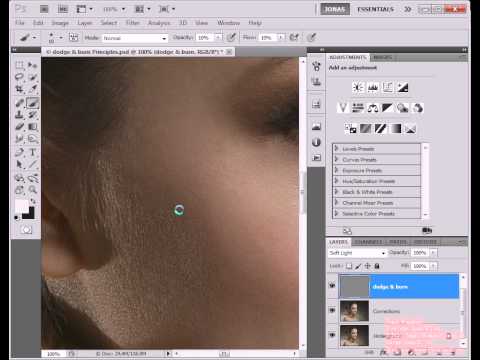
In this video I'm going to give you an overview over the basic principles of the dodge & burn technique. This'll cover the micro (or pixel-level) dodge & burn as well as the macro level dodge & burn (alias sculpting).
Studio Portrait Retouch Video Tutorial
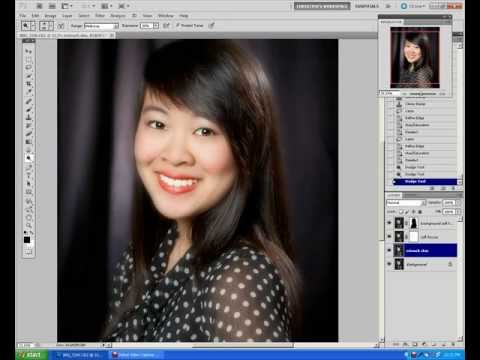
Learn how to retouch a studio portrait using the clone tool to retouch the skin, pop the eyes using the dodge & burn tool, even change eye color. Learn how to add a vignette and also brushes that could be used to add eye lashes or cool stamps to the image.
Photoshop CS5 Retouching Tutorial. Part 4 high pass skin softening
HIGH END RETOUCHING- preserved skin texture
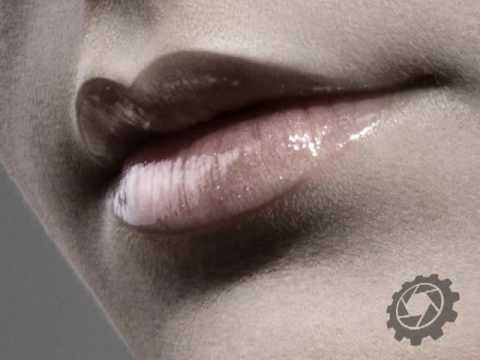
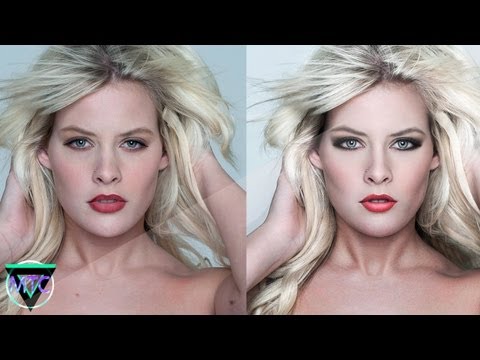
Professional Photo Retouching - Pure Beauty - By MTC
Skin Smoothing with Photoshop CS5
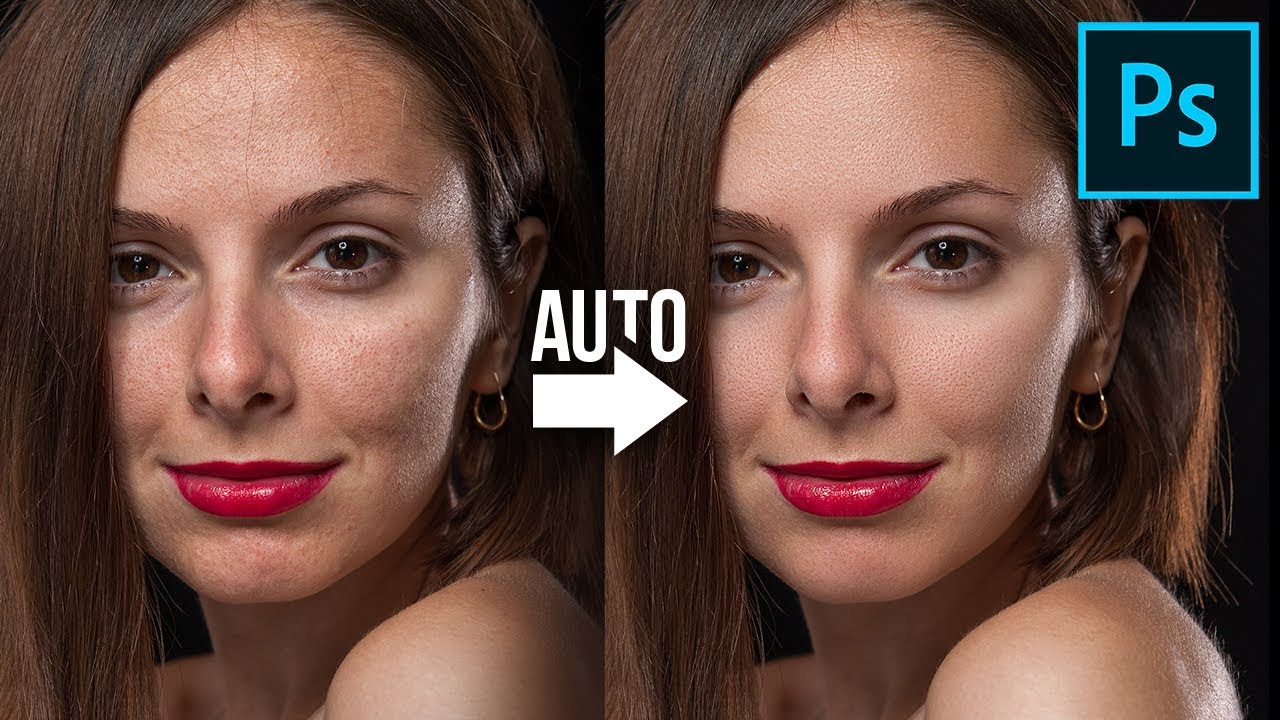
A great skin smoothing technique that maintains texture while it softens!
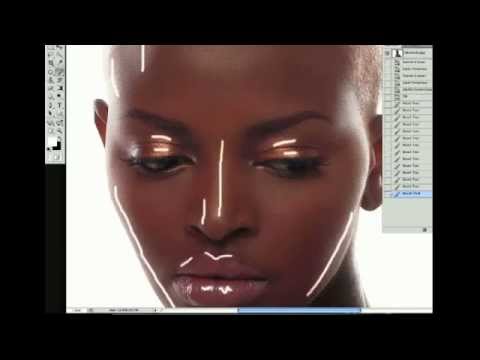
Professional Photoshop Extreme Makeover - The Fire Witch - By MTC
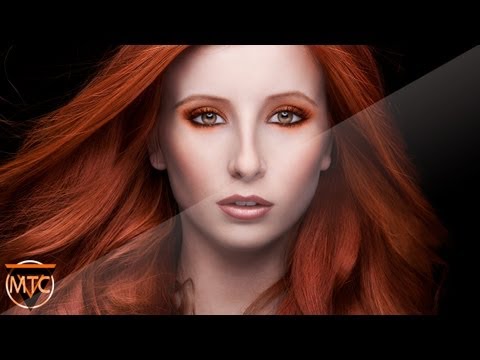
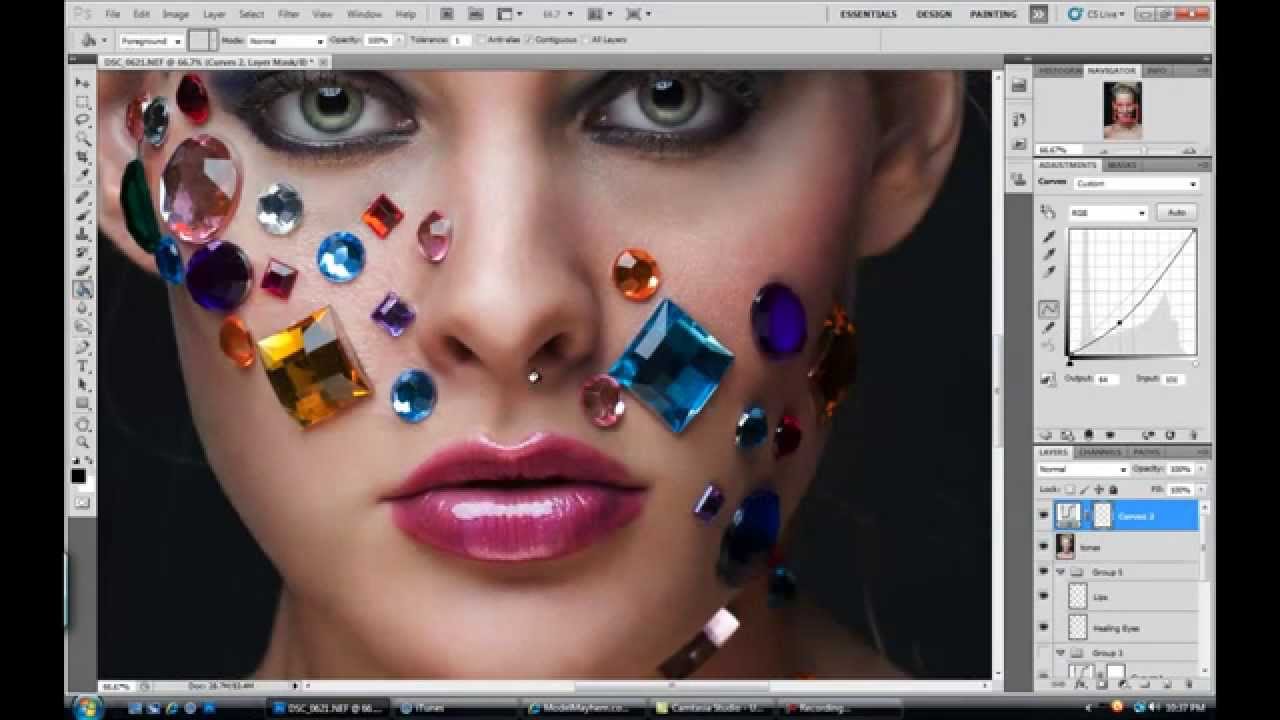
Here is another one preview of my upcoming tutorials on photo retouching using photoshop. Smothing skin(Dodge and Burn technique) Luscious Lips Tone Corrections Skin Color Corrections Light Corrections Hair Construction
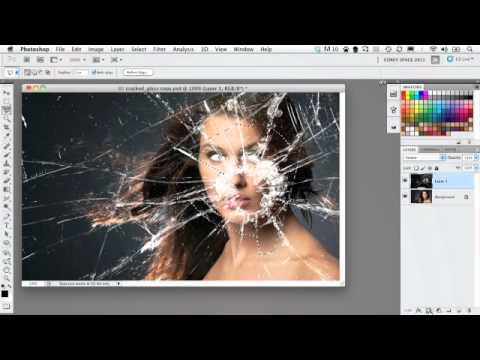
Photoshop - Dramatic Broken Glass
Photoshop CS6: How to use the Navigator panel
This Photoshop CS6 tutorial introduces the Navigator panel and demonstrates how to use shortcuts, zoom value, Proxy preview, and more.
Modifying the brightness Interface in Photoshop CS6
This Photoshop CS6 tutorial discusses how to work with the Brightness interface and space board in Photoshop CS6.
Photoshop CS6: Body sculpting with Liquify
This specific tutorial is just a single movie from chapter fifteen of the Photoshop CS6 Essential Training course presented by lynda.com author Julieanne Kost. The complete Photoshop CS6 Essential Training course has a total duration of 10 hours and 35 minutes, and demonstrates how to produce high-quality images in a short amount of time using a combination of Adobe Photoshop CS6, Bridge, and Camera Raw.