40 Photoshop Coloring Works - Colorize Old Black-and-White Photos - Part 1
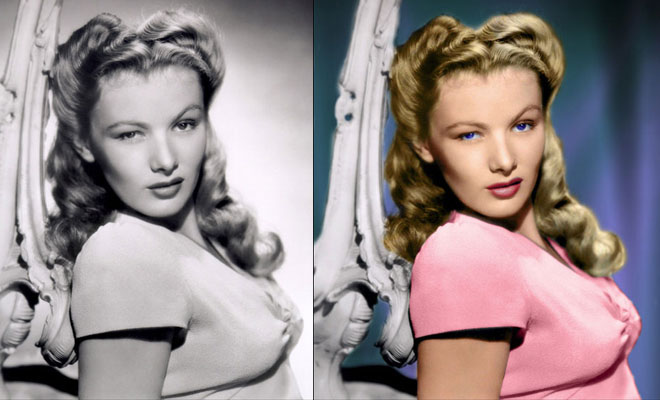
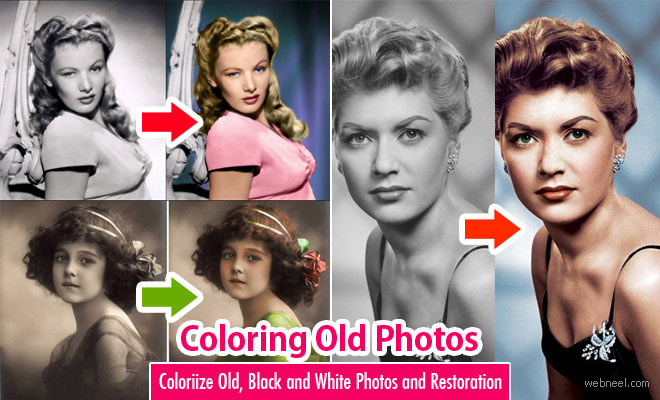
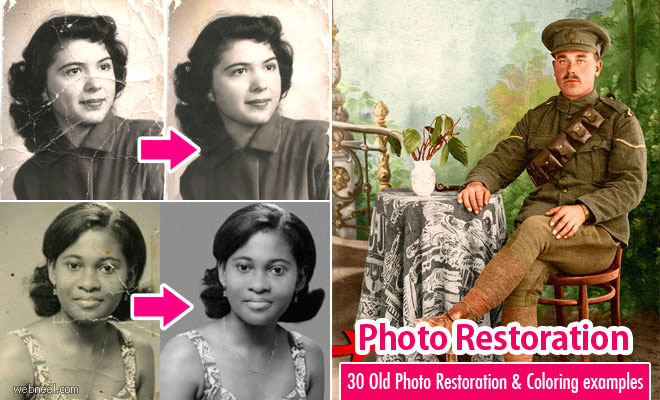
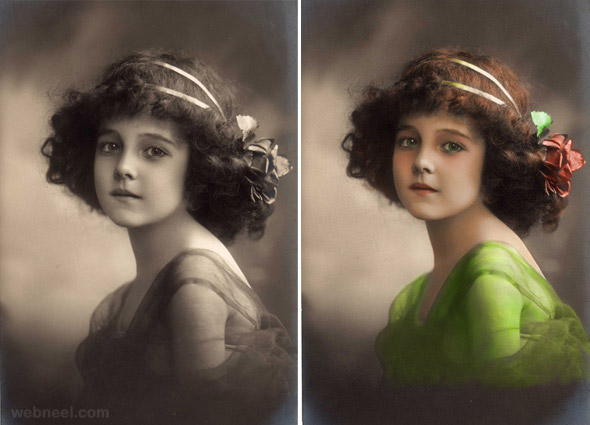
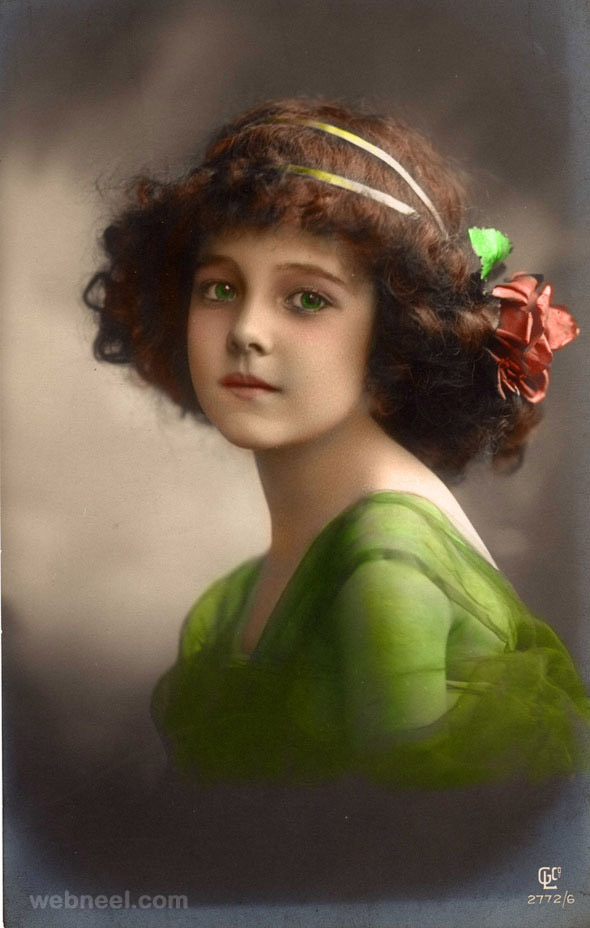
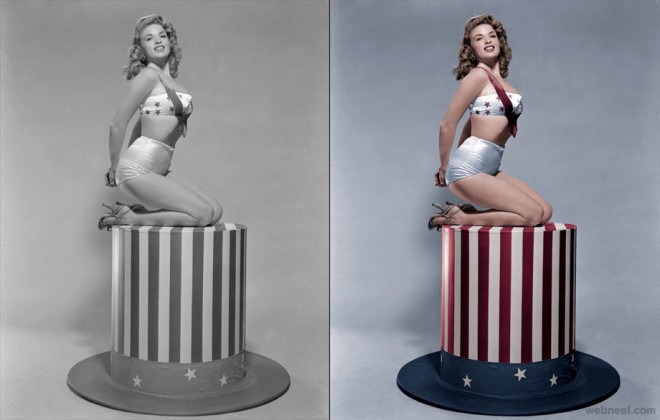
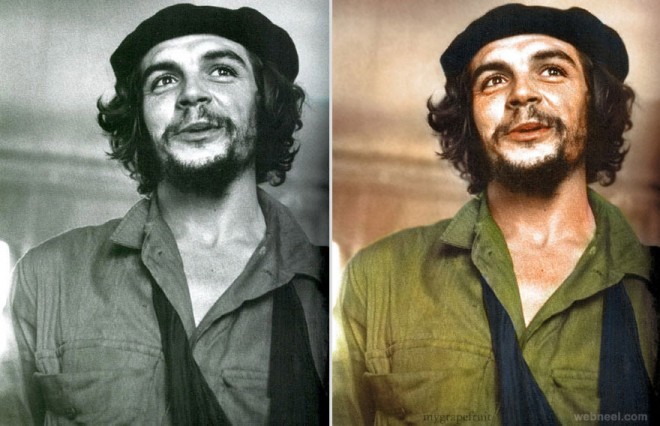
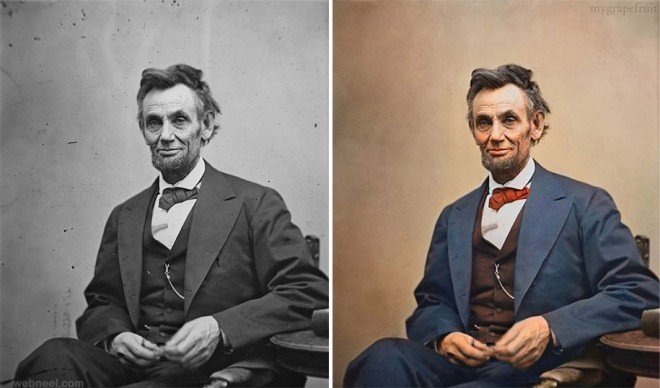
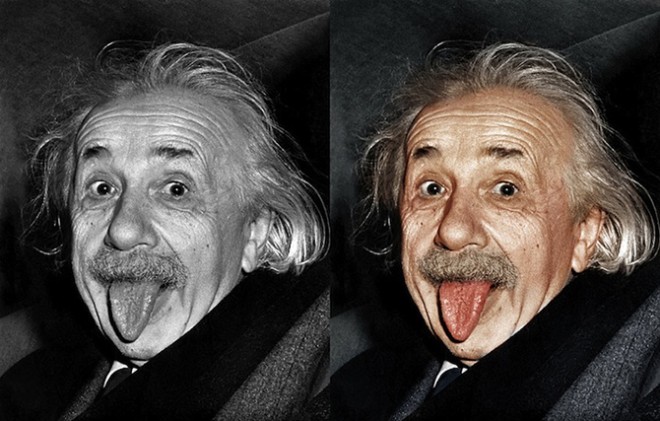
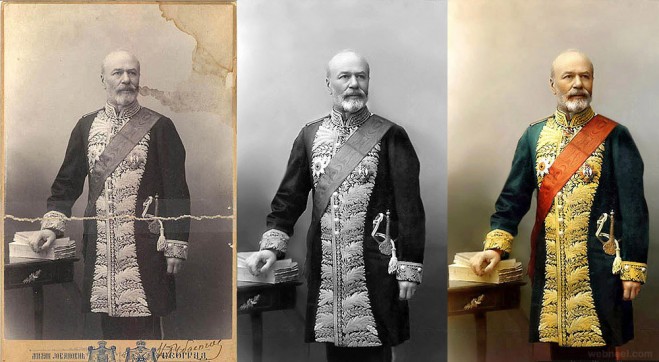
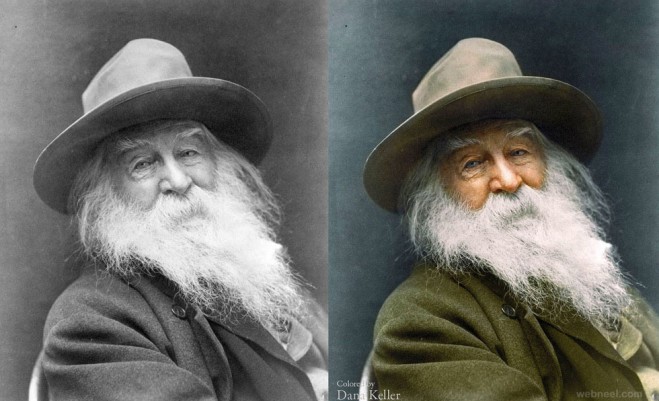
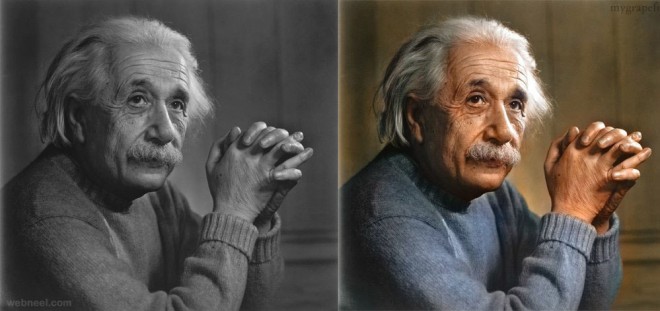
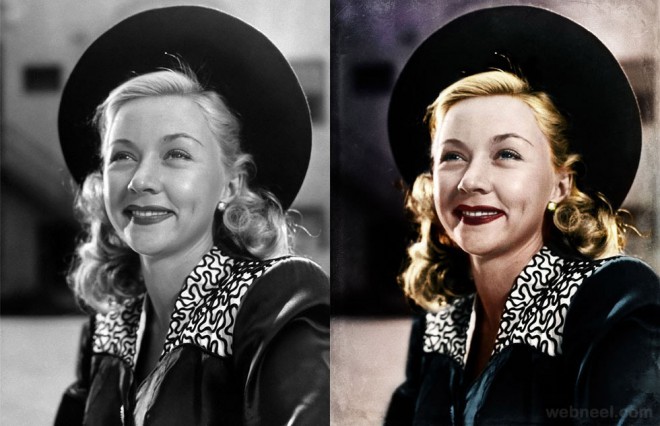
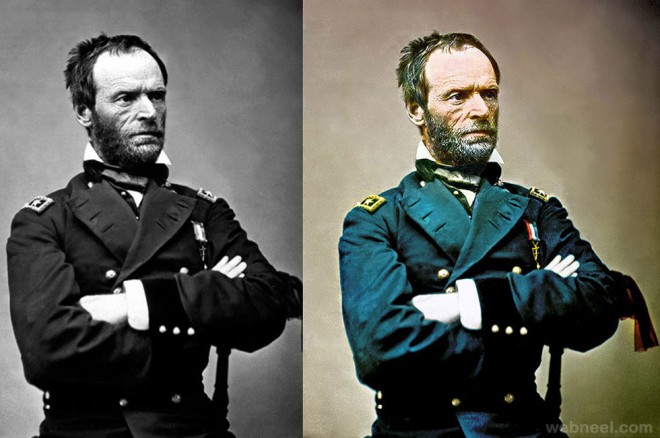
Colorize Old Photo: Do you have old photos and wonder how to restore them to their former glory? No more worries if your old photos are too crumpled, folded, torn or faded. You can always trust our humble Adobe Photoshop, which works wonders when coloring old photos, so you can hold on to your fond memories. Want to add some color to your black-and-white photo? It's now possible to convert your old black-and-white photo to color using Adobe Photoshop for restoration. Yes, it's a laborious task, but it's certainly worth it since you can hold on to your favourite photos from the past. The coloring of old photos is known as photo retouching, and it's quite popular all over the world. For photo restoration, first, your old photo is scanned with a high-resolution scanner, the image is stored as a RAW file and a backup is created. Based on the color fading, layers are adjusted using color contrasts, and tears in the photos are corrected using the healing tool. Here are some amazing examples of what Photoshop can do to colorize old photos.
Colorize or Coloring Old Photos
.preview.jpg "colorize")
.preview.jpg "colorize")
.preview.jpg "colorize")
.preview.jpg "colorize")
.preview.jpg "colorize")
.preview.jpg "coloring photos")
.preview.jpg "coloring photos")
.preview.jpg "coloring old photos")
.preview.jpg "coloring old photos")
.jpg "colorize")
.jpg "colorize")
.jpg "colorize")
.preview.jpg "colorize")
.jpg "colorize")
.jpg "coloring photos")
.preview.jpg "coloring photos photoshop")
.jpg "coloring photos photoshop")
.preview.jpg "coloring photos photoshop")
.jpg "coloring black and white photos")
.jpg "coloring black and white photos")
.jpg "colorize")
.jpg "colorize")