
Smooth Skin Professional Retouch with Airbrush - Photoshop tutorial
Categories:
Photoshop Tutorials
Updated
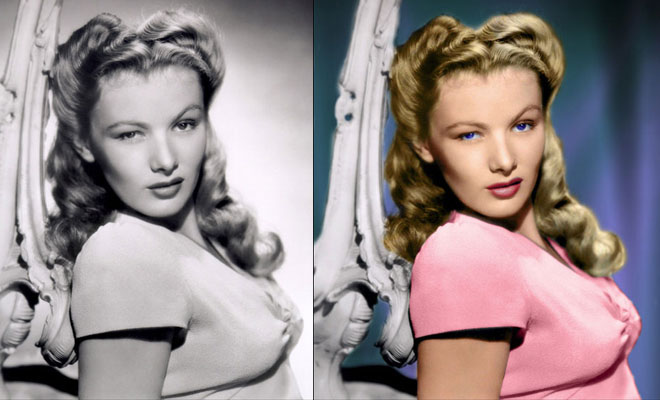
Learn how to retouch skin professionally in Photoshop without making it look fake or blurry. In this Photoshop tutorial, you will learn how to reduce wrinkles and blemishes, airbrush & smooth skin naturally, dodge and burn, and more using all non-destructive editing techniques. Once you learn this, you can make everything from natural skin improvements to glamorous airbrushed skin used in advertising. To follow this tutorial, you'll need Photoshop CS2 or newer.
Related Blog Posts


Related : Photoshop Fail | Photoshopped | Funny Photoshop | Free Photoshop Brushes
➤Outstanding Advertising Photoshop Manipulation works for Sky Sport by B612studio➤15 Creative Photoshop Photo manipulation works by Vanessa Rivera➤New Features and Improvements of Adobe Photoshop 2021 version➤15 Creative and Funny Photoshop Manipulations by Justin Peters➤50 Creative Photo Manipulation Works from Top Photoshop Designers - II