
Know more about Undo, History, and Revert in Photoshop
Categories:
Photoshop Tutorials
Updated
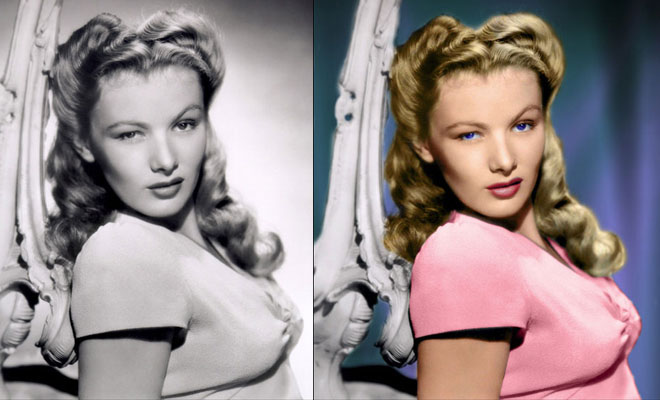
The safety-net trio of Undo, History, and Revert protect the intrepid image editor from unexpected disasters. But they also let you toggle operations, compare before-and-after images, and move back and forth through time.
Related Blog Posts


Related : Photoshop Fail | Photoshopped | Funny Photoshop | Free Photoshop Brushes
➤Outstanding Advertising Photoshop Manipulation works for Sky Sport by B612studio➤15 Creative Photoshop Photo manipulation works by Vanessa Rivera➤New Features and Improvements of Adobe Photoshop 2021 version➤15 Creative and Funny Photoshop Manipulations by Justin Peters➤50 Creative Photo Manipulation Works from Top Photoshop Designers - II