
Know more about Refine Edge tool (6 videos) - Photoshop
Categories:
Photoshop Tutorials ,
Photoshop Tutorials
Updated
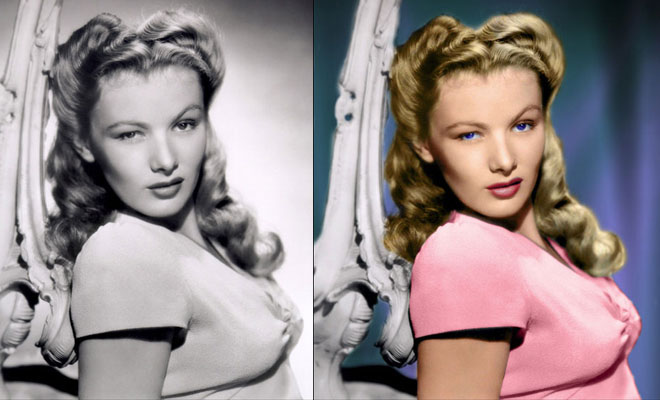
The ability to select an object in an image to either remove it from its background or isolate the object for specific correction/manipulation has certainly been available in earlier versions of Photoshop forever. The problem people seem to have has always been the quality of the selections. For instance, isolating and extracting flyaway hair on a model from a background is a bane for many if not most people. Some pixels invariably get left behind, background pixels travel with the hair or a combination of both.
Related Blog Posts

Related : Photoshop Fail | Photoshopped | Funny Photoshop | Free Photoshop Brushes
➤Outstanding Advertising Photoshop Manipulation works for Sky Sport by B612studio➤15 Creative Photoshop Photo manipulation works by Vanessa Rivera➤New Features and Improvements of Adobe Photoshop 2021 version➤15 Creative and Funny Photoshop Manipulations by Justin Peters➤50 Creative Photo Manipulation Works from Top Photoshop Designers - II