
Hard Light Effects - Photoshop tutorial
Categories:
Photoshop Tutorials ,
Photoshop Tutorials
Updated
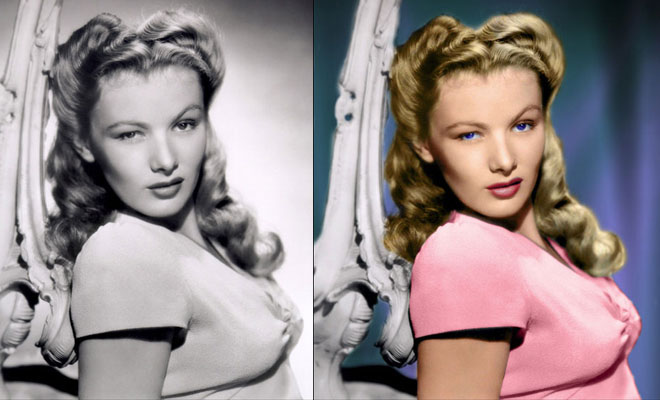
This is the first live tutorial I recorded so I had no idea what I will end up with. Basically I wanted to show how to get a high contrast hard light effect in Photoshop, almost HDR looking. I wanted to keep things realistic so I used the contrast masking technique to keep the original shadows of the model.
Related Blog Posts

Related : Photoshop Fail | Photoshopped | Funny Photoshop | Free Photoshop Brushes
➤Outstanding Advertising Photoshop Manipulation works for Sky Sport by B612studio➤15 Creative Photoshop Photo manipulation works by Vanessa Rivera➤New Features and Improvements of Adobe Photoshop 2021 version➤15 Creative and Funny Photoshop Manipulations by Justin Peters➤50 Creative Photo Manipulation Works from Top Photoshop Designers - II