
Modifying Rigged Characters for Animation
Categories:
3d models ,
animation ,
Maya Tutorials
Updated
Maya tutorial on modifying the look of rigged/skinned characters without the need for wrap deformers or nCloth. This will result in rigs that are just as lightweight (or really close!) to the original rig.
The character used in this tutorial is just one example and the freshSkin script and ideas should work on nearly any rig.
You may find that the script will allow you to modify other characters face geometry too, but due to the way the face controls were setup for this character, I could not modify the number of vertices on the face.
The "sculpts" face that I re-sculpted to change the look of the face was the root blendshape for this head. This technique may not work on some rigs, but creating new blendShapes are a valid way to alter a rigs look without adding or taking away geometry. I'm still new to some of this, so there's a lot of guesstimating going on here
Related Blog Posts
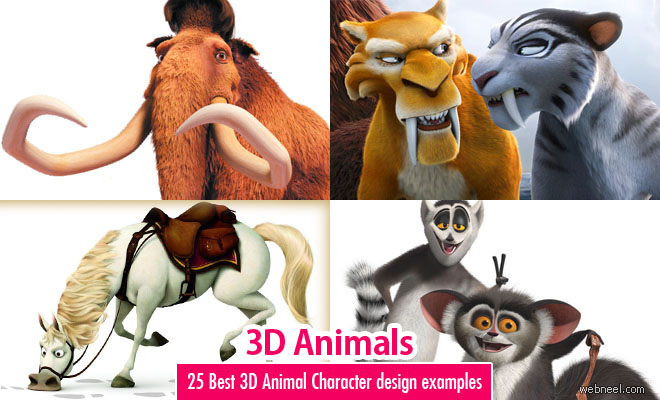
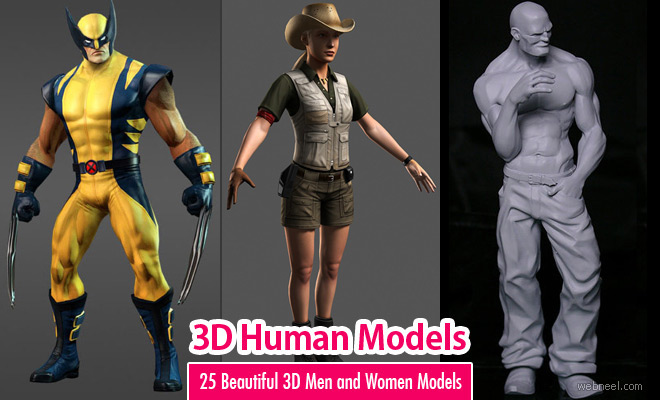
Related : 3D Characters | Game Characters | 3D Girls | 3D Woman | Hyper Realistic 3D Models
➤Extraordinary 3D Models created by Bangladesh Artist S M Bonin➤50 Best 3D Maya Tutorial Videos for Beginners - Learn From Masters | Part 3➤40 Best 3ds Max Tutorial videos for 3D designers and animators➤New avatars of KDA League of Legends - Futuristic Sci-Fi 3D Game Models by Steve➤Amazing Conversion of Famous Paintings into 3D Models by Bred➤Batman Movie Trailer in 2D Animation by TheArt91Lee➤How to Train Your Dragon: The Hidden World - 3D Animation Movie Trailers, Character Designs and Wallpapers➤Wonder Park - 3D Animation Movie Trailers Character Designs and Wallpapers➤Zafari: A New Way of Friendship - 3D Animated Cartoon Series on Spacetoon TV