Google Releases Three New Photography Apps for Both iOS and Android Smartphones
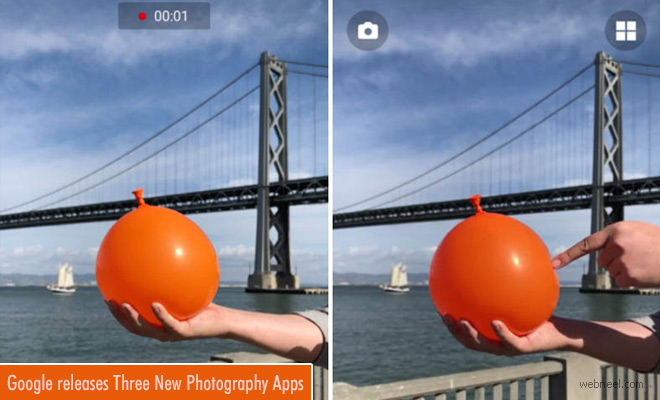
Cameras have become an integral part of our day-to-day lives. It is no wonder that major technology companies aim to bring their networks closer by introducing smart ideas that are flexible for users. There is no need for heavy camera equipment when traveling abroad, since Google brings technology to your phone by introducing three new 'appsperiments' for the little photographer in you.
Storyboard photography app by google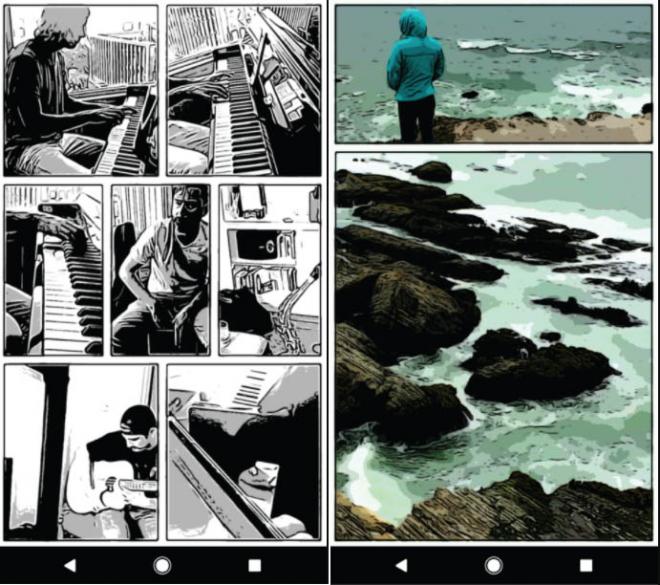
1) Story Board - This app allows you to create comic strips of the photos you have taken. It's available for Android Smart Phones. According to Google,"Storyboard transforms your videos into comics. It selects, lays out, and stylizes video frames using experimental research technology from Google that runs entirely on your device".
Storyboard photography app by google
TO USE THE APP
1. Load a video.
2. Pull down to refresh till you get a layout you like.
3. Tap to share or save. That's it!
Download for Android Smartphones: Play.google
2) Selfissimo: This app allows you take selfie photography in Black & White. This app recognizes when you are posing for a photo and starts clicking your selfies. According to Selfissimo,"Start a photoshoot and Selfissimo! snaps a photo each time you stop moving. Change poses or move the phone a little to retrigger. End with a tap, then save/share individual images or the entire shoot".
Selfissimo photography app by google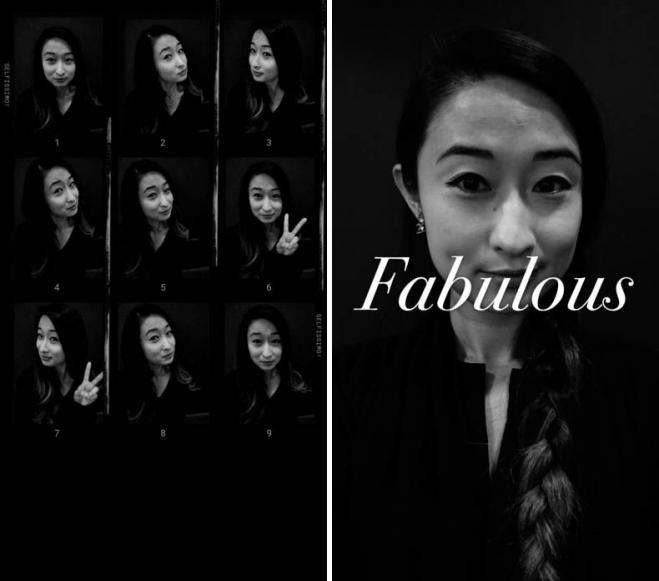
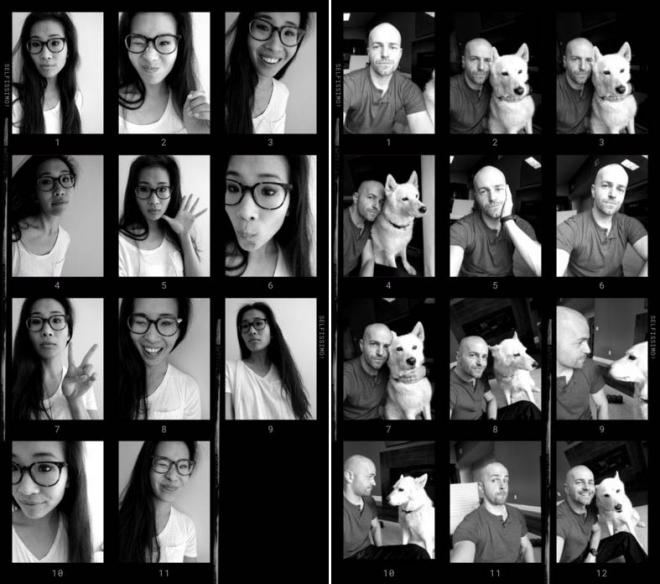
Download for Android : Play.google.com
Download for IOS : itunes.apple
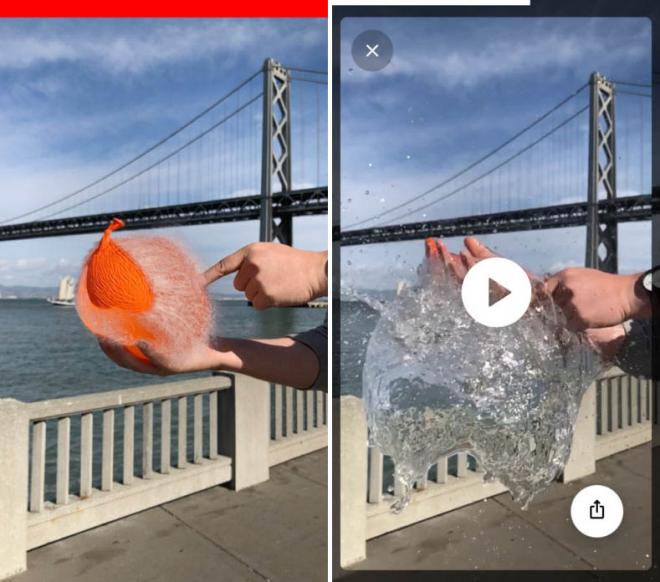
3) Scrubbies: IOS smartphone users can easily manipulate the speed and loop in a video to create video loops which can focus on funny faces or just about anything. You can set the video to play from backwards to give the extra oomph factor.
How this App Works?
1) Open the app and shoot a video. Try to capture interesting motion
2) Once you've captured the video, swipe it with one finger to play it back
3) Swipe it with two fingers to record the playback
4) Save or share the resulting looping video
5) Captured footage is automatically saved in the gallery so you can always return to it
Scrubbies photography app by google
Download Scrubbies For IOS : itunes.apple
Download Scrubbies for Android: play.google