Nikon updated its SnapBridge app with full camera control and an intuitive UI
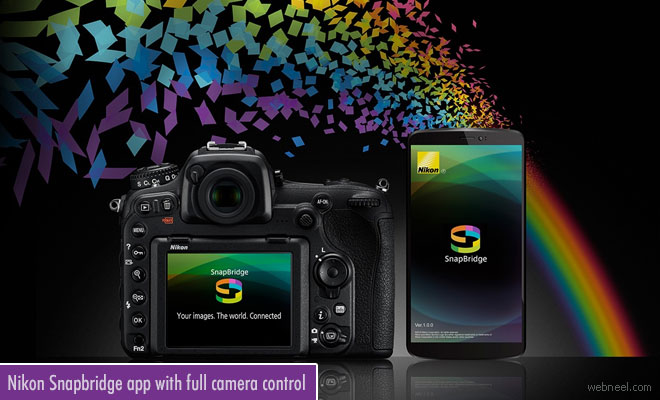
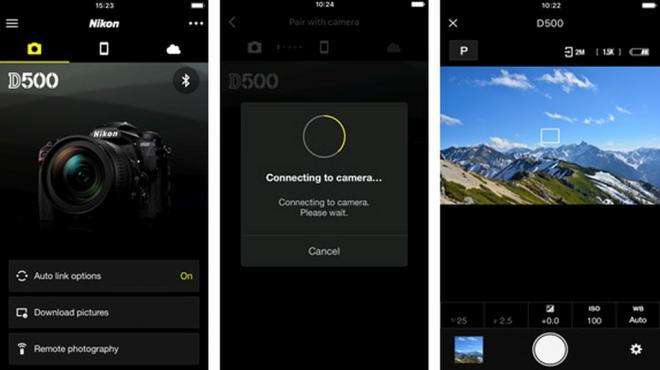
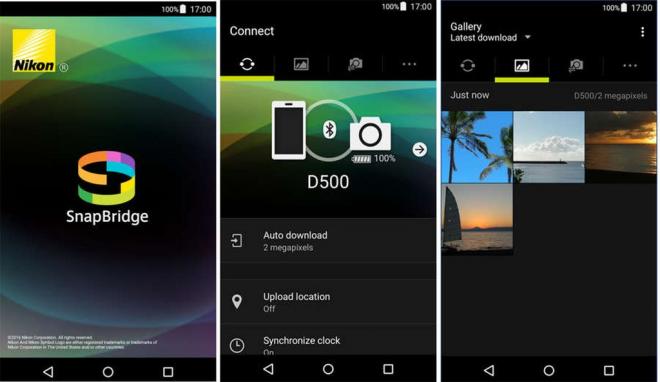
Significant changes have been made to SnapBridge version 2.0, taking into account feedback from users of the earlier version. The user interface (GUI) has many changes. The screen design and menu structure have been updated, including the adoption of progress displays to provide visual confirmation of an operation's status. The app menu has been revised to provide direct access to help functions. Easier setup, navigation and use of different cameras are also included in the new version. The compatible cameras include the Nikon D850, D500, D7500, and D5600—you'll now be able to control exposure modes (P/S/A/M), shutter speed, aperture, exposure compensation, ISO, and white balance.
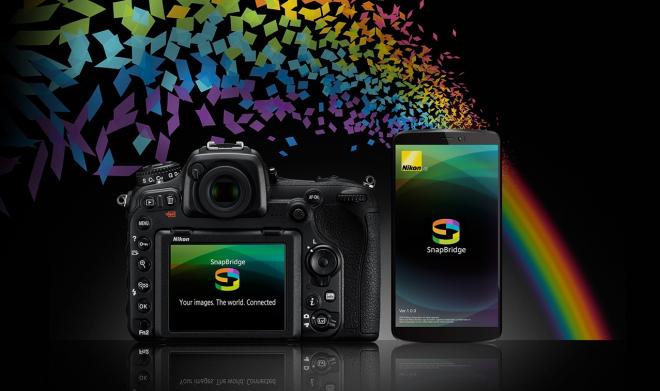
Nikon snapbridge app