Adobe Spark App Converts Your Photos into Videos - Best iOS App of the Year
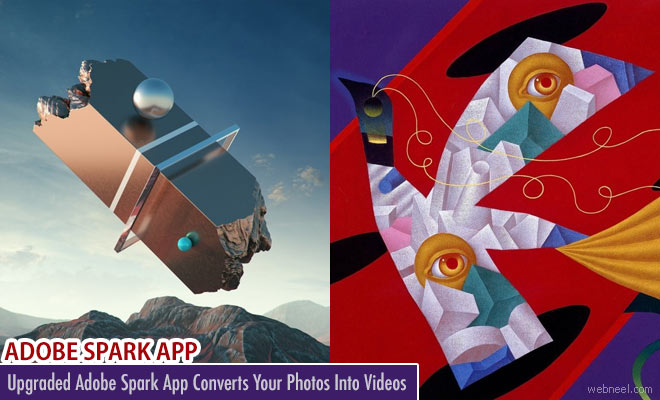
Adobe Spark can serve as a valuable tool for small businesses, bloggers, marketers, and students who want to convey a message with style. With the addition of new features, the Adobe Spark app is now more in line with other apps such as Instagram, Flipagram, and GoPro Quik. Once logged into the Spark site, there are three simple choices represented by large, colorful buttons: Post, Page, and Video. Each option has a plus sign and a short description. The Post tool is designed to help you create a social media meme; Page is for portfolios, catalogs, and information pages; and Video is for tutorials and presentations.
Spark Post - For creating Social Graphics :
Pick a photo, add text and apply design filters to instantly start a viral phenomenon.
Download Link : https://itunes.apple.com/app/id1051937863
Spark Page for Web stories :
Turn words and images into beautiful, magazine-style web stories that will impress readers on any device.
Download Link : https://itunes.apple.com/app/id968433730
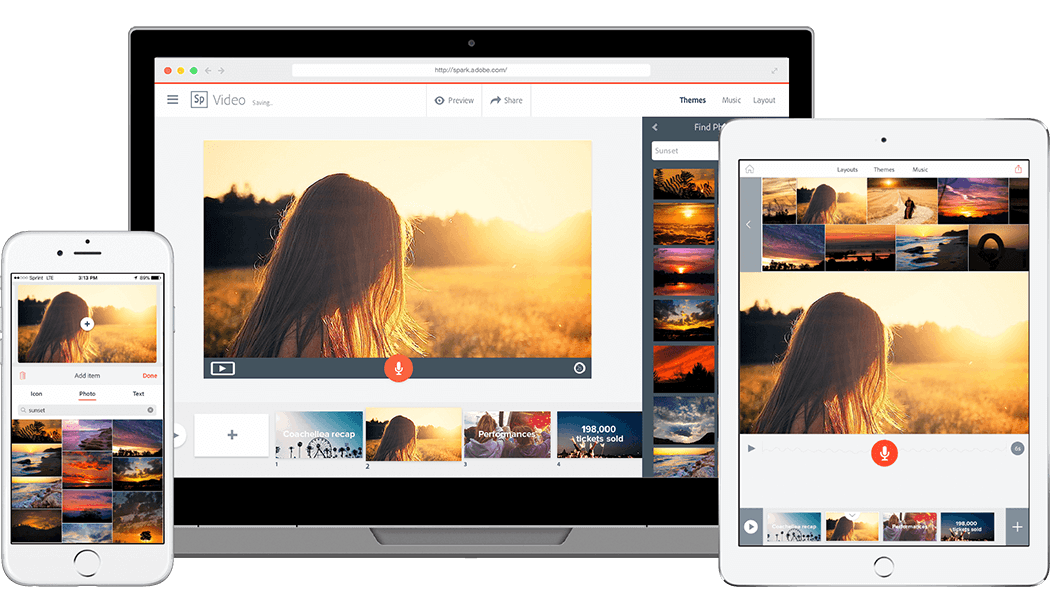
Spark Video for Animated Videos :
Record your voice, add photos or icons, select from professional-quality soundtracks and cinematic motion—and voila!
Download Link : https://itunes.apple.com/app/id852555131
Have a Look at the Videos Provided by Adobe:
Download for iOS : itunes.apple.com/us/app/adobe-spark-video-animated/id852555131
To know more about Spark : spark.adobe.com


Download for iOS : itunes.apple.com/us/app/adobe-spark-video-animated/id852555131
To know more about Spark : spark.adobe.com/