
Reshape and Bend the Human Body Using Adobe Photoshop's Puppet Warp Feature
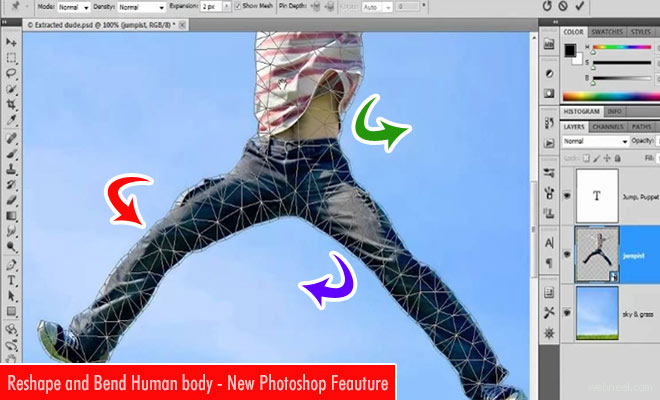
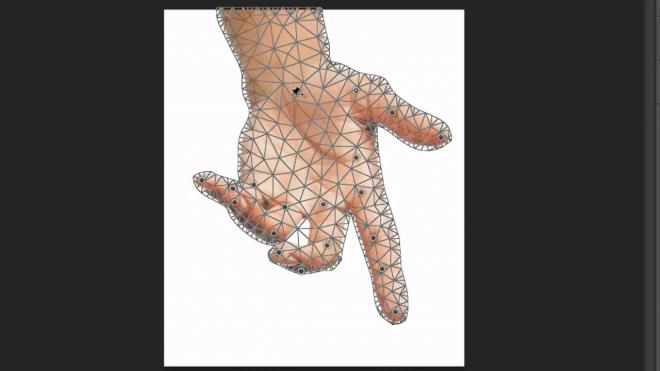
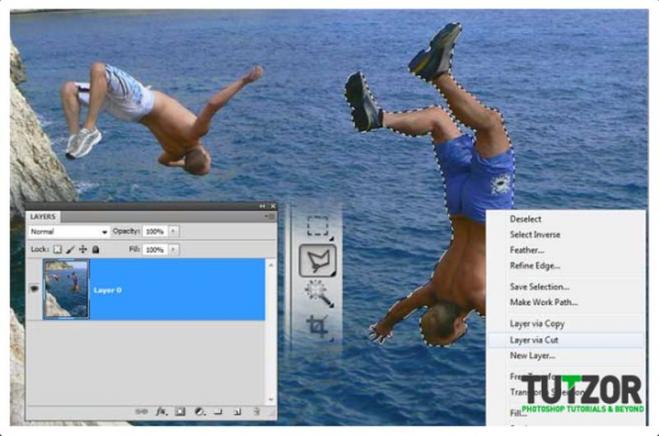
To apply Puppet Warp to an image, you must first mask the object and place it on its own layer. The original background layer must then be patched to remove the original object, person, or animal. You can use Puppet Warp to stretch the neck as well. Puppet Warp goes all the way and breaks your object into triangles. The clever aspect is that Photoshop then transforms the image triangle by triangle, giving any object transformation a smooth mathematical progression and making it more convincing.
Adobe Photoshop puppet warp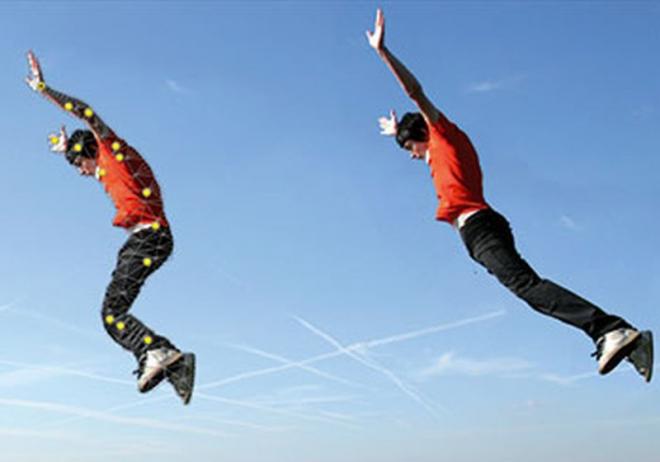

To know more visit adobe.com/in

Our Editor’s Experience
This photo manipulation uses layered imagery, controlled light and coherent composition to explore wildlife and animal subjects. Reality bends neatly inside the frame, then acts as though that was always the plan.
— Neelakandan · Designer · Editor
SHARING IS CARING
Related Blog Posts

Categories:
Photoshop Tutorials