
How to convert RAW photos using the Adobe Photoshop Lightroom Mobile App
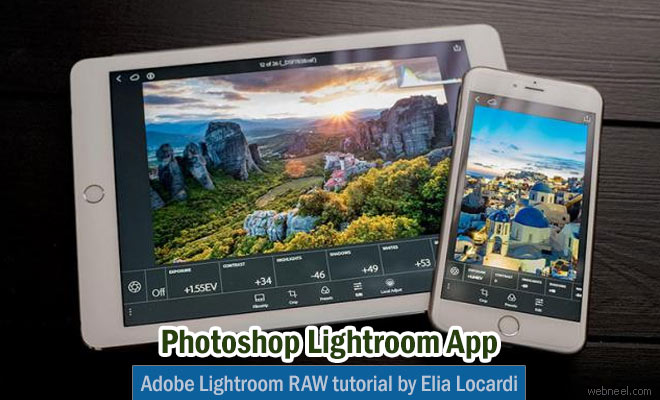
In this video, Elia Locardi takes us to Stockholm subway system, where one of his popular photos, 'Belly of the beast' was taken in 2011. He reshoots the scene using a Fujifilm X-T2 camera and an iPad Pro. “This tutorial also takes things further by showing some of the Adobe Photoshop editing techniques I used to create one of my most famous photos", ” Locardi says.

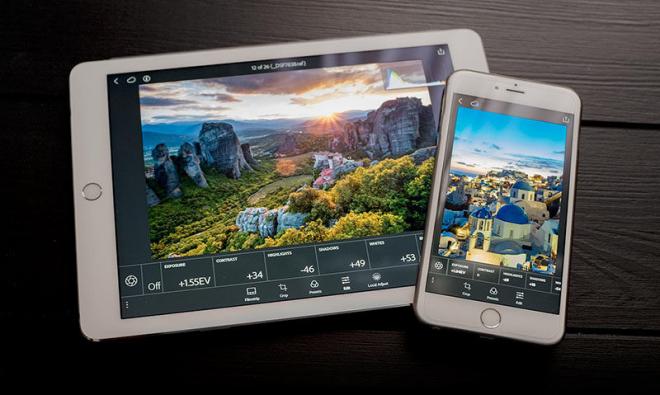
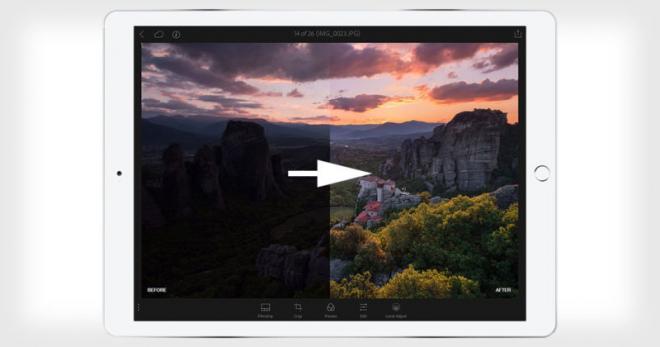
“With the raw technology preview, you’ll be able to import raw photos immediately to either your iPhone or iPad, edit them, and then share them, anywhere you’ve got a connection,” Adobe writes. “Our goal with Lightroom for mobile is to make it an indispensable part of your photography workflow.”
For Android : play.google
For IOS : itunes.apple

Our Editor’s Experience
The way photography occupies space depends on framing, light, and timing. The craft keeps the concept firmly in hand.
— Neelakandan · Designer · Editor
SHARING IS CARING
Related Blog Posts

Categories:
Mobile App ,
Photo Editing App