
Design and Create Beautiful Vector Images Using Adobe Illustrator Draw
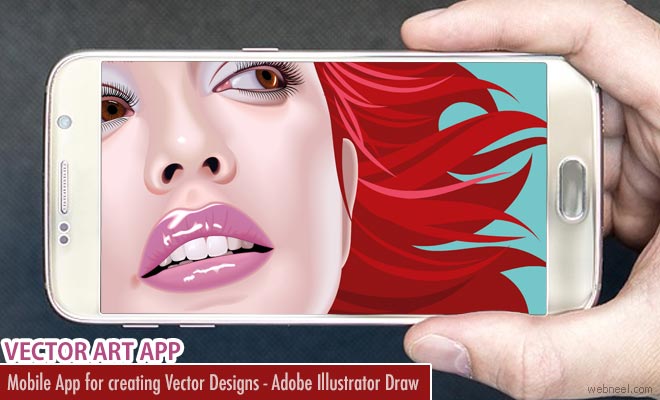
Adobe Illustrator Draw Tutorial:
https://www.youtube.com/
Features of Adobe Illustrator Draw :
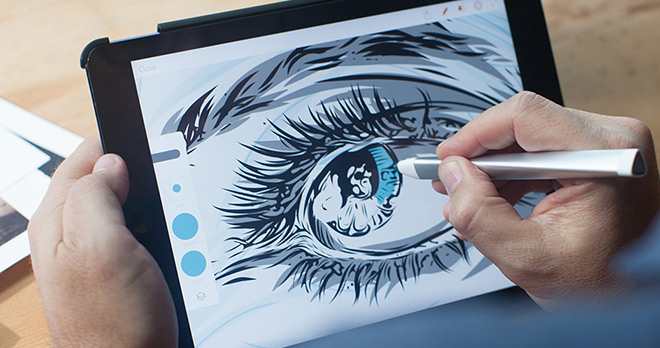
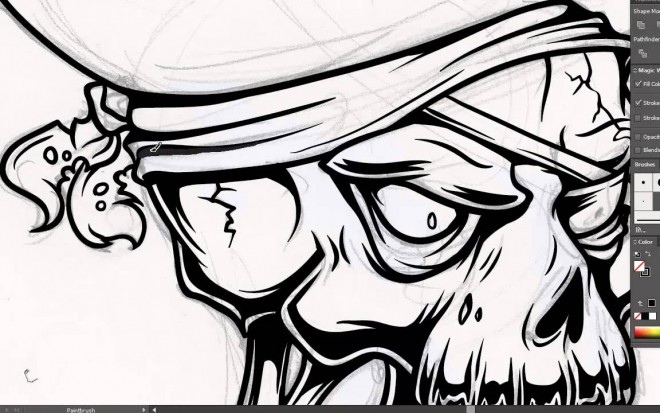
- Exceptional drawing tools : There are five built-in vector brushes. Toolbar can be customised to include the brushes you like.
- Send to Illustrator and Photoshop : The drawings can be sent to desktop to edit them in illustrator and use them for reference and incorporate into the design in photoshop.
- Publish to Behance : Completed works can be posted in behance and get a feedback right inside Draw.
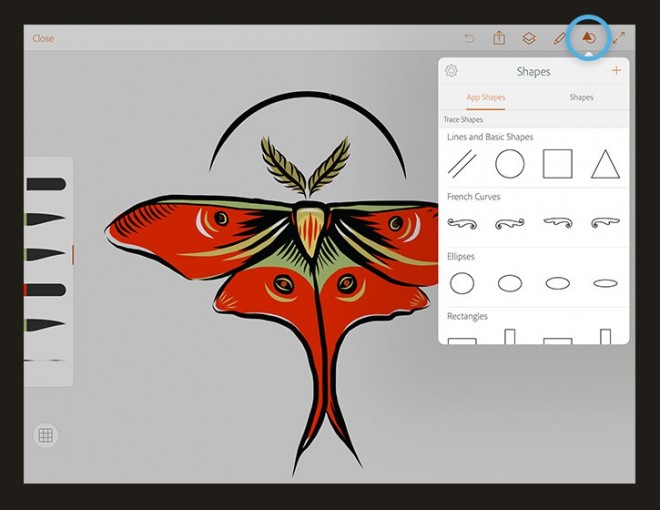
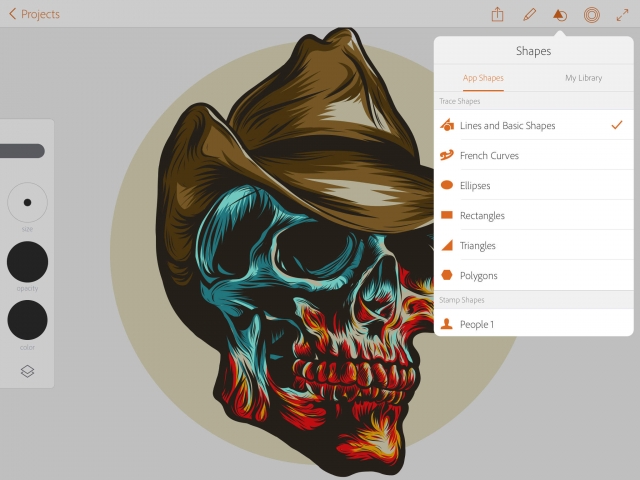
- Shape integration : Capture inspiring shapes anywhere using Capture CC on your mobile device and bring them into Draw as vector outlines that you can use in your compositions.
- Creative Cloud Libraries : Shapes and colour themes can be saved to Adobe CC libraries for quick access in Draw.
- Never lose perspective : Built-in graph and perspective grids make it easy for you to sketch the 3D world in your 2D drawing.
- Support for the latest drawing hardware : Adobe Ink, Adonit Jot Touch with Pixelpoint, Wacom devices, Pencil by FiftyThree and Apple Pencil can be used.
Login to Adobe to Know more on Products : www.adobe.com

For Android : Play.google.com/.../adobeillustrator-draw
iOS : itunes.apple.com/../adobe-illustrator-draw

Our Editor’s Experience
Adobe Illustrator Draw brings vector linework and scalable shapes to a mobile workflow. The app makes clean illustration portable—curves can now commute without losing resolution.
— Neelakandan · Designer · Editor
SHARING IS CARING
Related Blog Posts
Categories:
design news ,
Mobile App